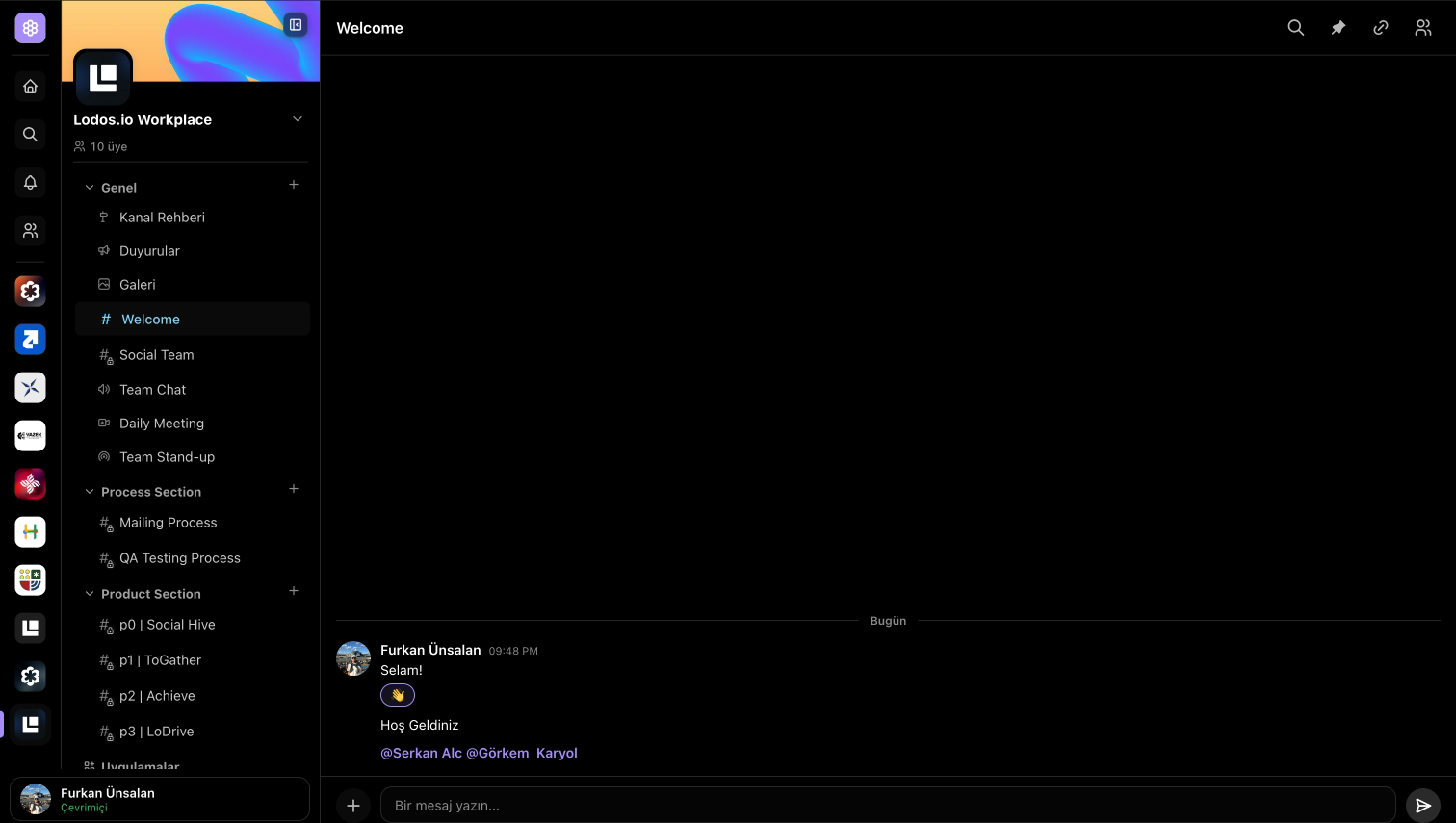
Topic-based channels for every cohort, project, and inside joke. Reactions, replies, edits, attachments, link previews, mentions, in-chat search, and pinned messages — the rhythm of an active community, not a support inbox.
Reactions, replies, edits, attachments, and link previews
In-chat search with active-match navigation
Admin-only pinned messages + per-channel members panel
Task chip mentions — reference any checklist task in chat
DMs with one-tap voice or video, alongside channel chat
Roles & access
Gate rooms to the right circles.
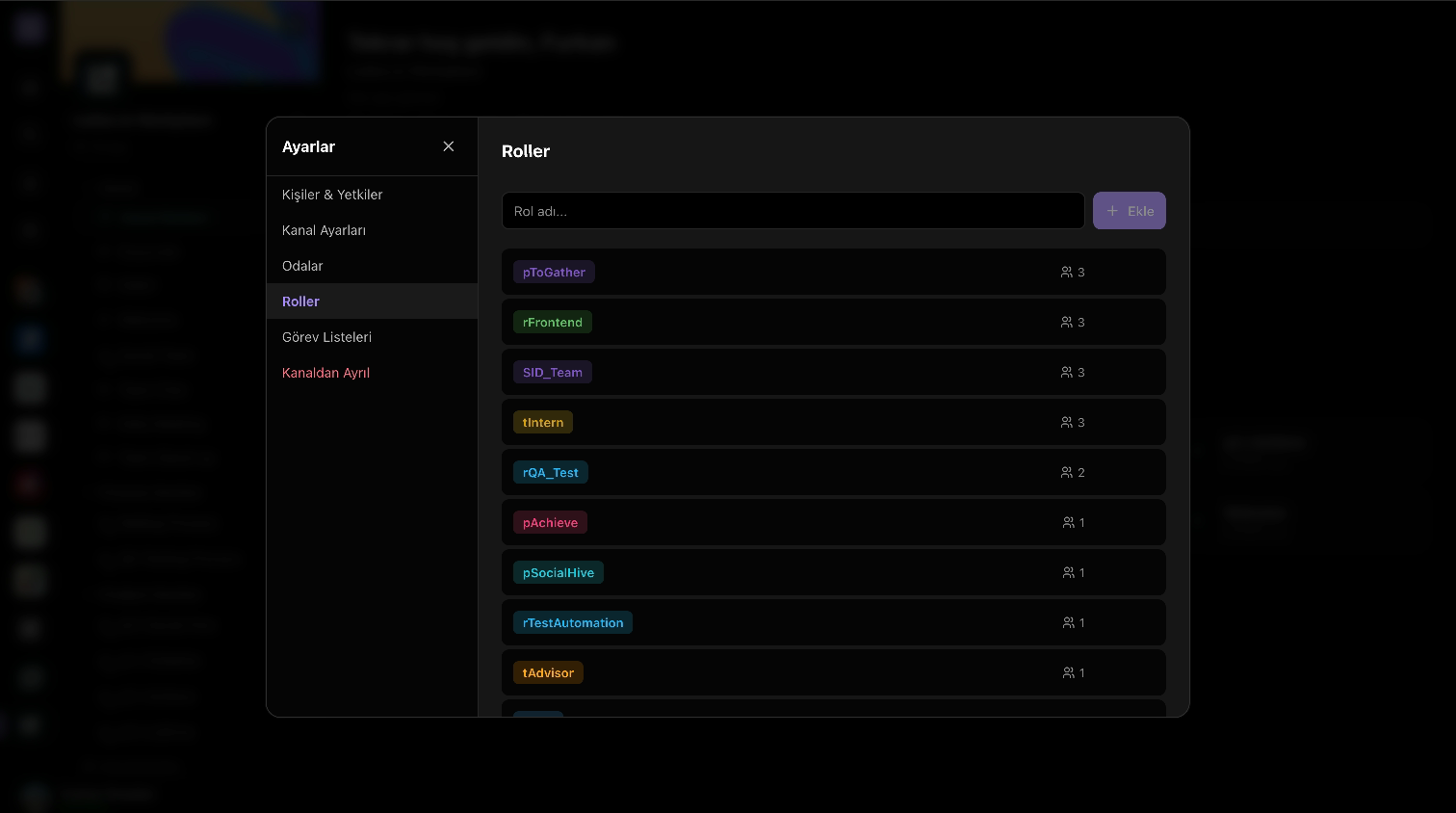
Tag members with custom roles, then attach those tags to specific rooms. The public space stays welcoming, the admin briefing stays private, and you don't have to splinter a community into separate channels to draw a line. Admins can rename, retag, and reorder rooms straight from the sidebar.
Per-channel custom roles — create, rename, remove from settings
Tag a room with one or more roles to gate access
Right-click a sidebar room (admin) to edit name, type, access, tags
Drag rooms to reorder them or move them between groups
Channel admins, channel owners, and members — clear permission split
Voice rooms
Persistent voice rooms inside every channel.
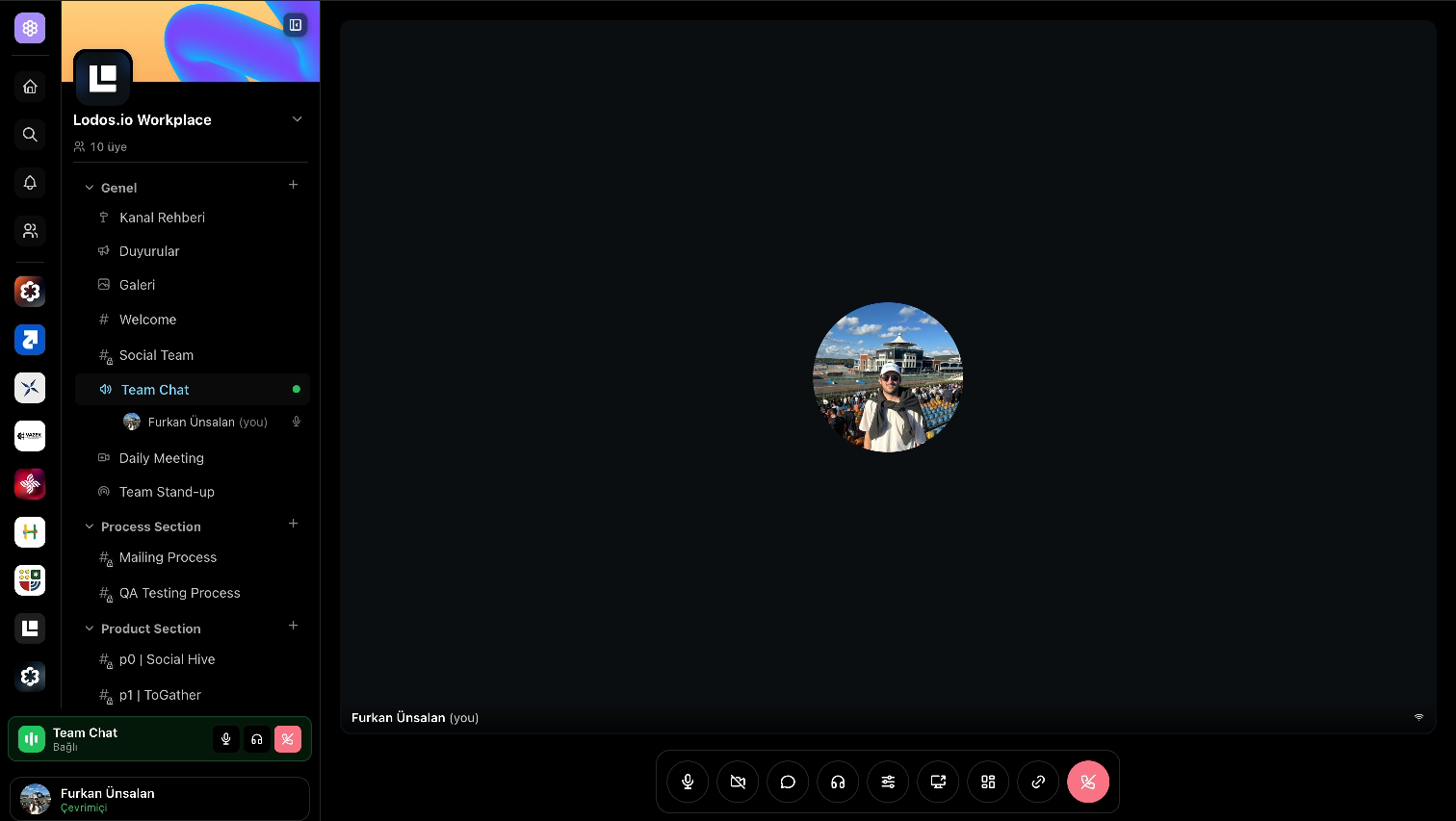
Voice rooms live attached to channels. Members hop in and out at will, the connected strip travels with them as they read other channels, and mute / deafen feel exactly the way they should. Low latency, clear audio, no fiddling.
Persistent rooms per channel — drop in anytime
Connected strip follows you between channels
Mute and deafen with parity across desktop and mobile
Voice intent persists across reload so refreshes don't kick you
Meeting rooms
Structured meeting rooms with raise hand.
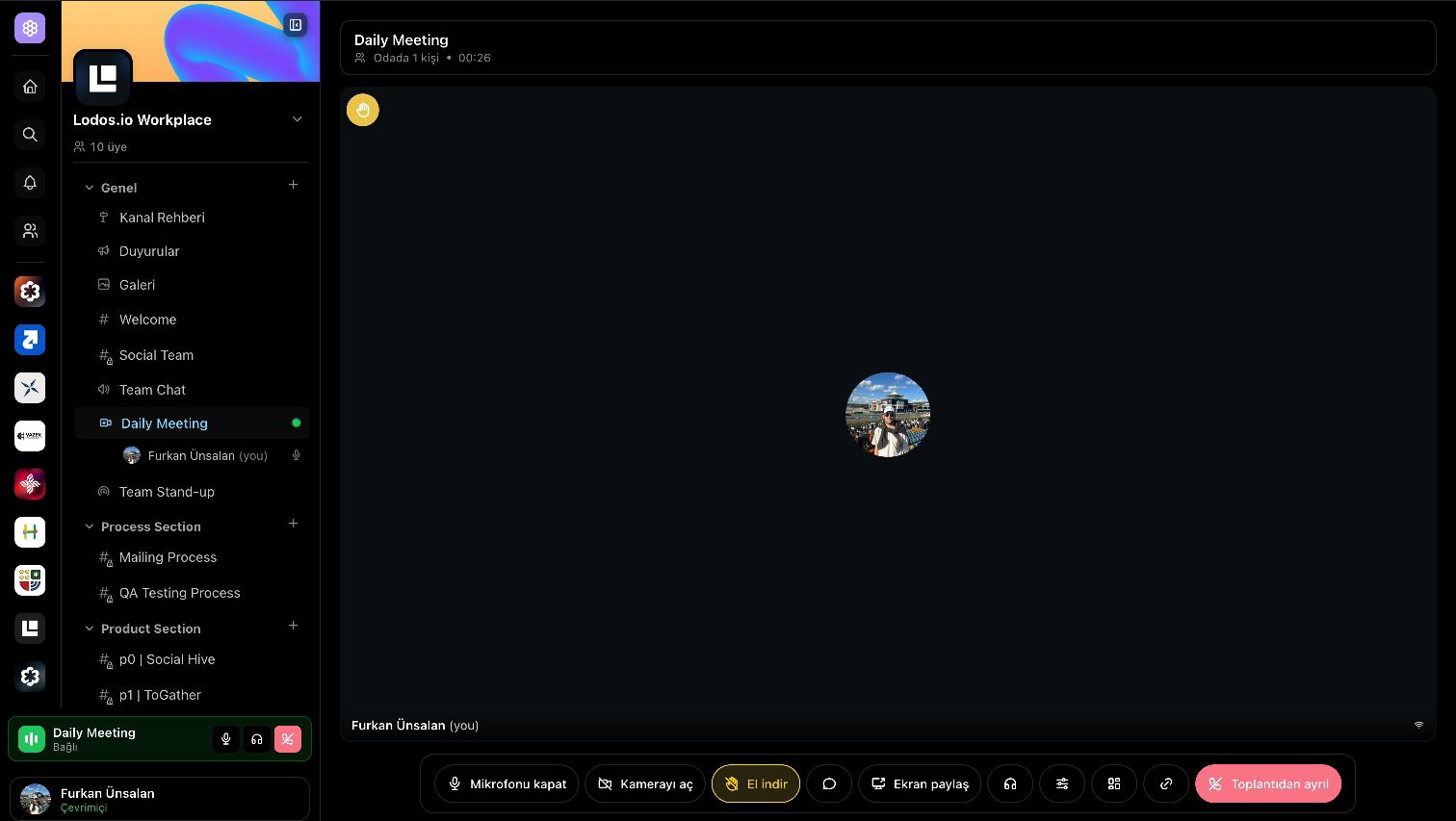
Sometimes a community needs a scheduled meeting, not a hangout. Meeting rooms add grid video and screen share on top of the voice-room stack, with a hand-raise affordance for orderly turn-taking.
Grid video tiles with active-speaker emphasis
Screen share with a "share meeting" link modal
Hand-raise with a sound cue when someone wants to speak
Joinable from a single share link — no install dance
Stage rooms
Stage rooms for the bigger moments.
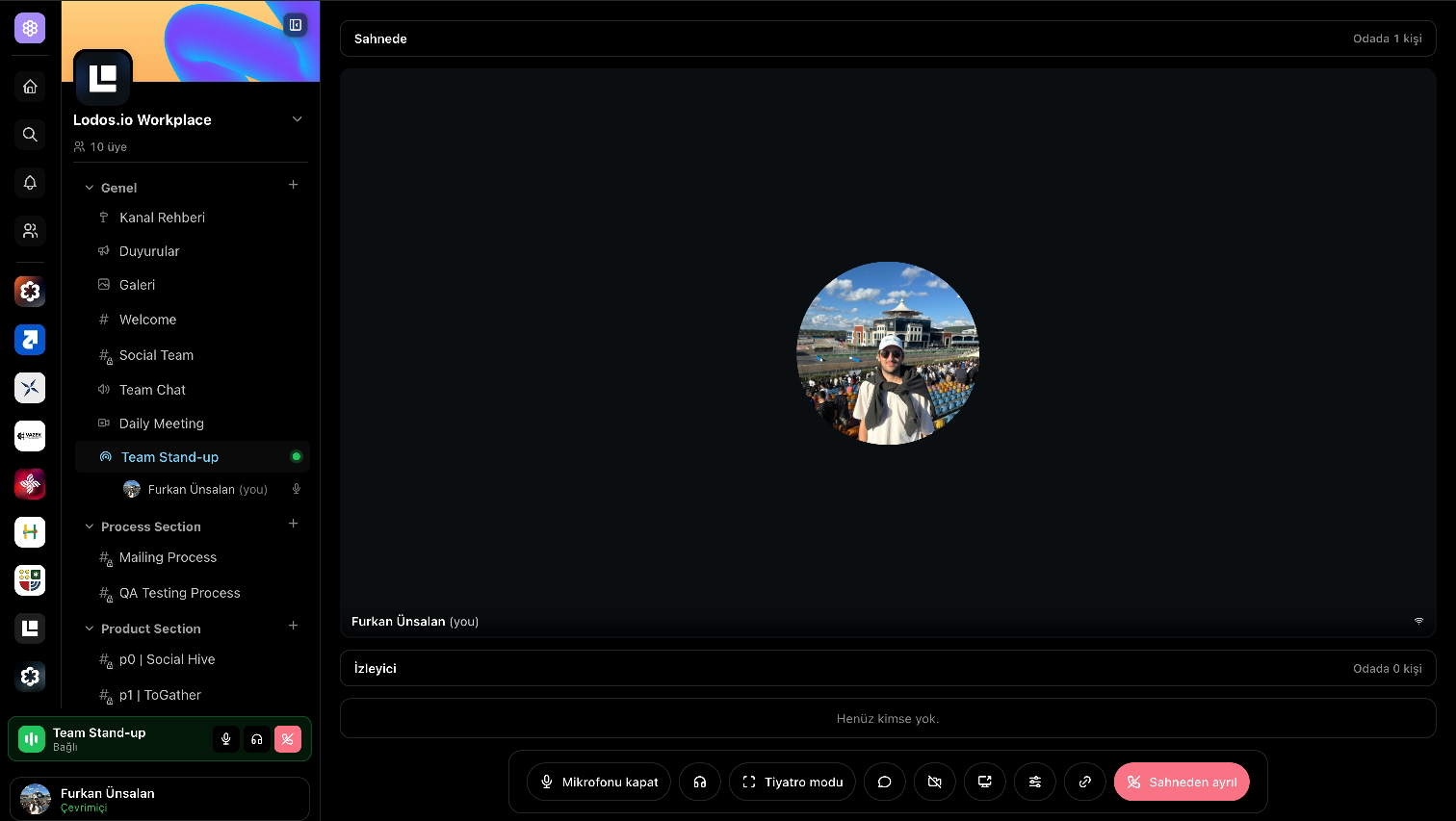
When a few people speak and many listen, you want a stage — not a chaotic voice room. Stage rooms split speakers from the audience and let moderators promote audience members on demand.
Speaker and audience separation
Hand-raise → moderator promote / demote with one click
Screen-share and camera, with solo-mode fill for a single presenter
Theater mode hides the app chrome so the stage fills the viewport
DMs and calls
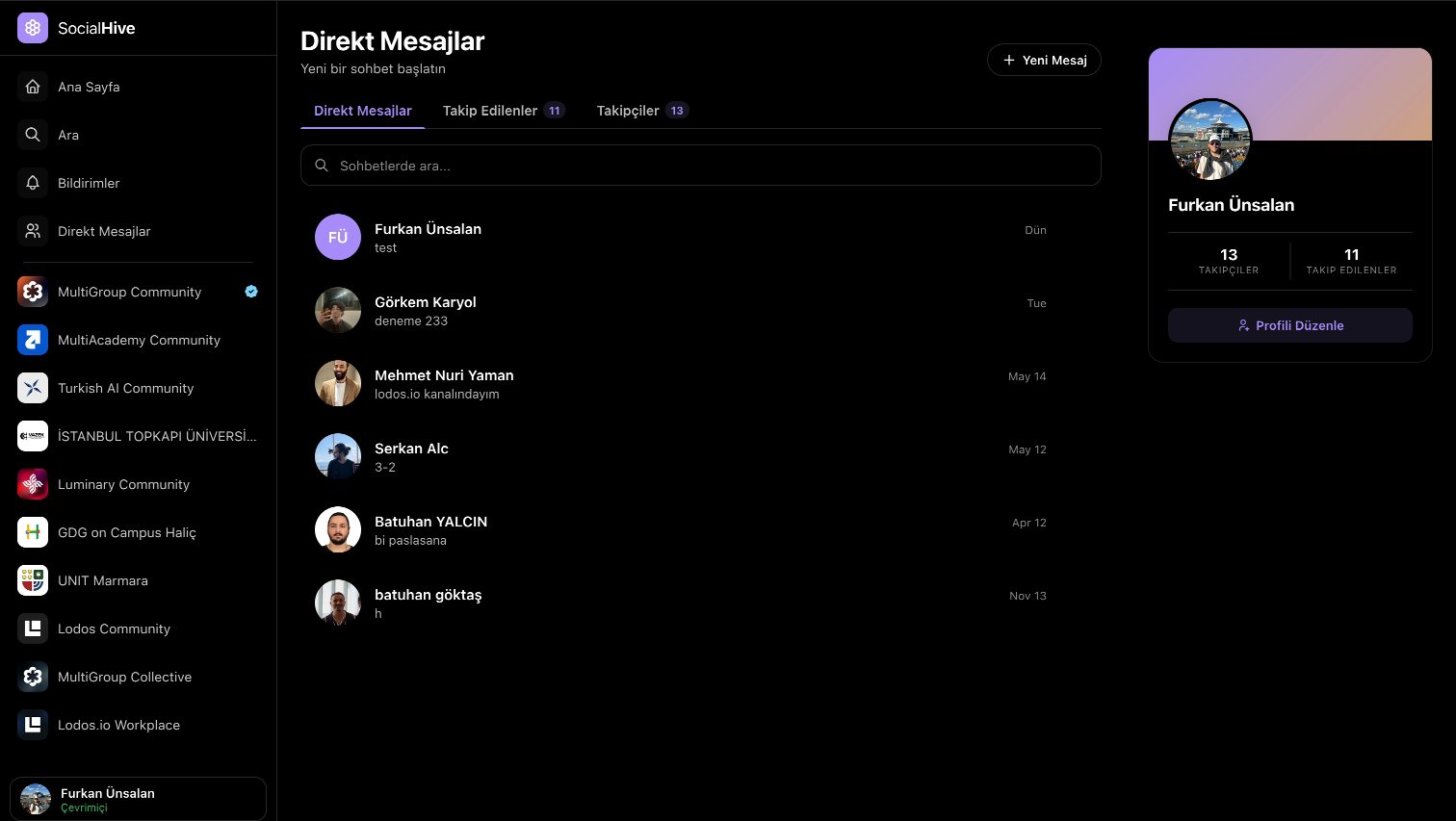
Direct messages with one-tap voice and video.
Every DM is already a call surface. Tap once for voice, switch on camera for video — the incoming-call modal pops anywhere in the app while you're online. Same call quality as voice rooms, scaled down cleanly for one-on-one.
One-on-one DMs with reactions, link previews, and attachments
Voice or video calls from any DM thread
Incoming-call modal with a shared ringtone
Mute, deafen, and call-end controls match the voice-room surface
Cmd / Ctrl + K jumps to a recent DM by name
Announcements
Announcements your members actually read.
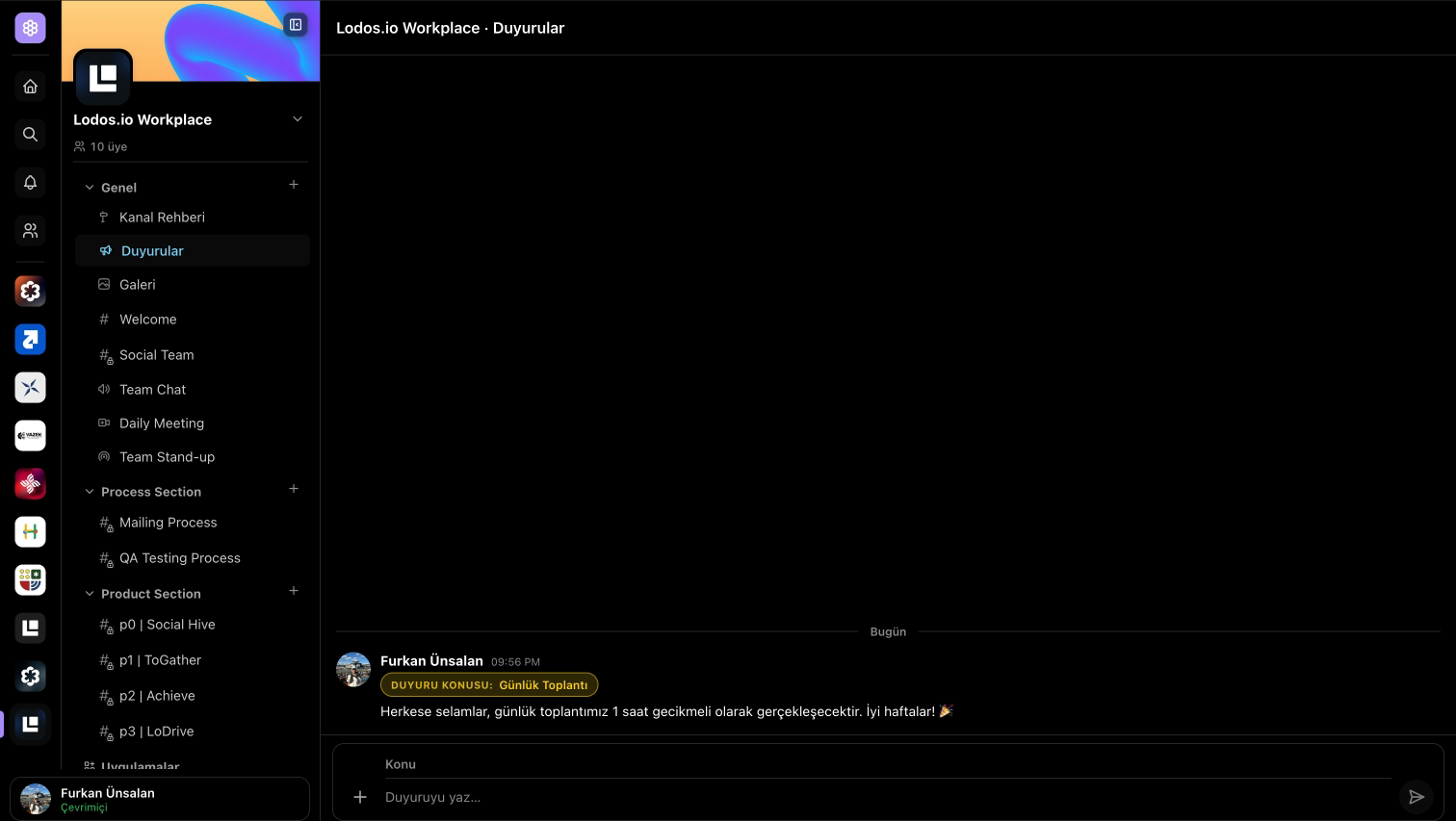
An announcement channel that's not just another chat. Admin-posted, with a topic, message, and an optional cover image — surfaced separately in the sidebar so the room reads as updates, not as noise.
Chat-style timeline with day separators and per-member unread state
Surfaced separately in the sidebar so they don't drown in chat
Delivered in real time over the notification socket
Checklists
Shared task lists living inside the channel.
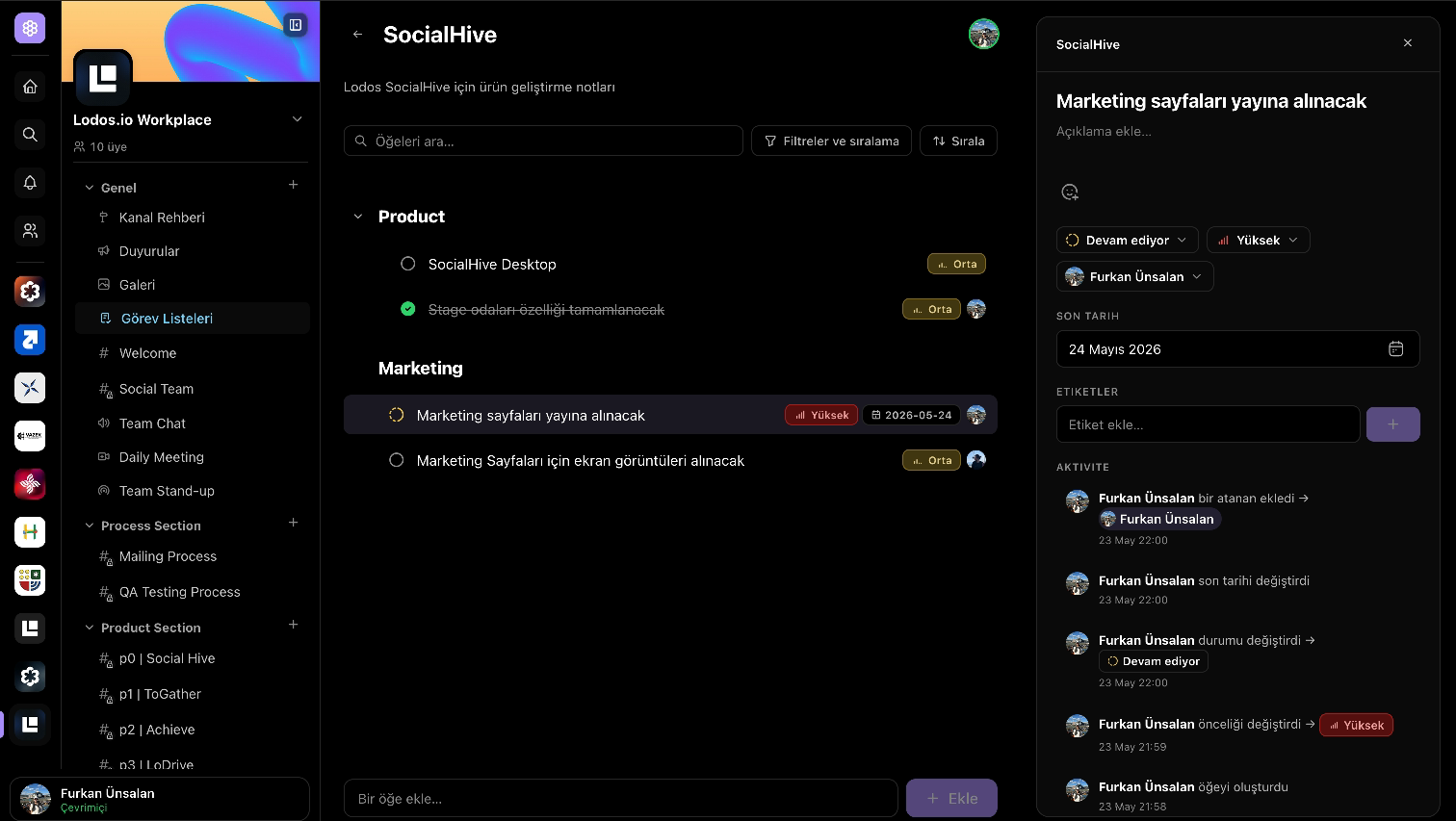
Channel checklists for the things a community actually has to coordinate — weekly events, project handoffs, recurring chores. Real-time updates, audit history, and a side panel for every task.
Tasks with title, description, subtasks, assignees, due date
Status (todo / in-progress / blocked / review / done) and priority
Reactions, labels, and a per-task audit timeline
Live presence — see who else is looking at the list
Reference any task in chat via a <task:…> mention chip
Galleries
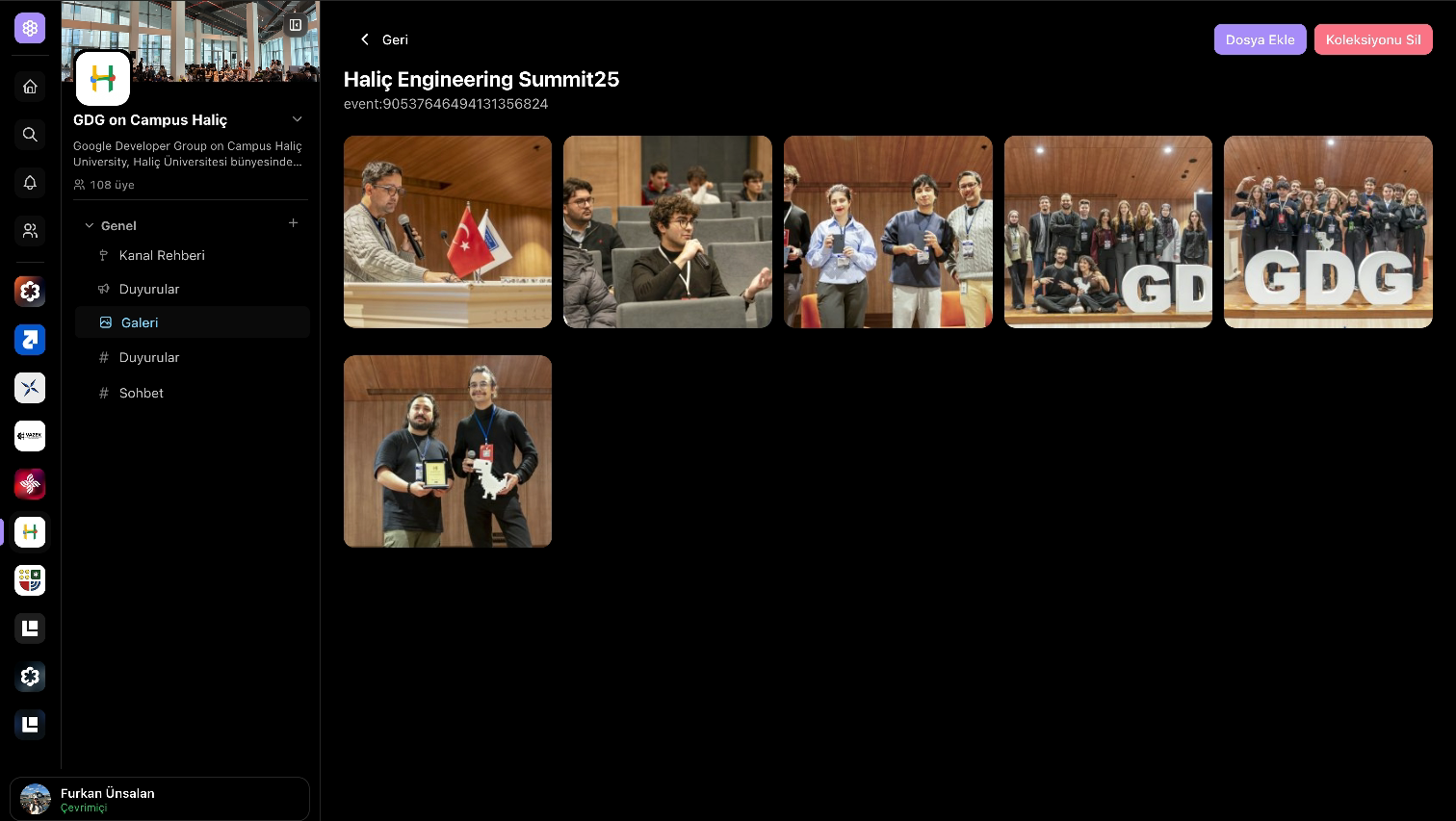
Shared galleries the whole community can keep.
Drop photos into a per-channel gallery organised into folders. Live outside the chat scroll, so the visual memory of a community sticks around instead of being buried twenty pages back.